
Cute Halloween Teams Backgrounds
Pastel pumpkins, friendly ghosts and cozy Halloween rooms made for work calls. Every background keeps the center calm so your face stays easy to see.
1920×1080 HDNo watermarkDirect JPG download
Pick a cute background
Download once, then add it in Teams.
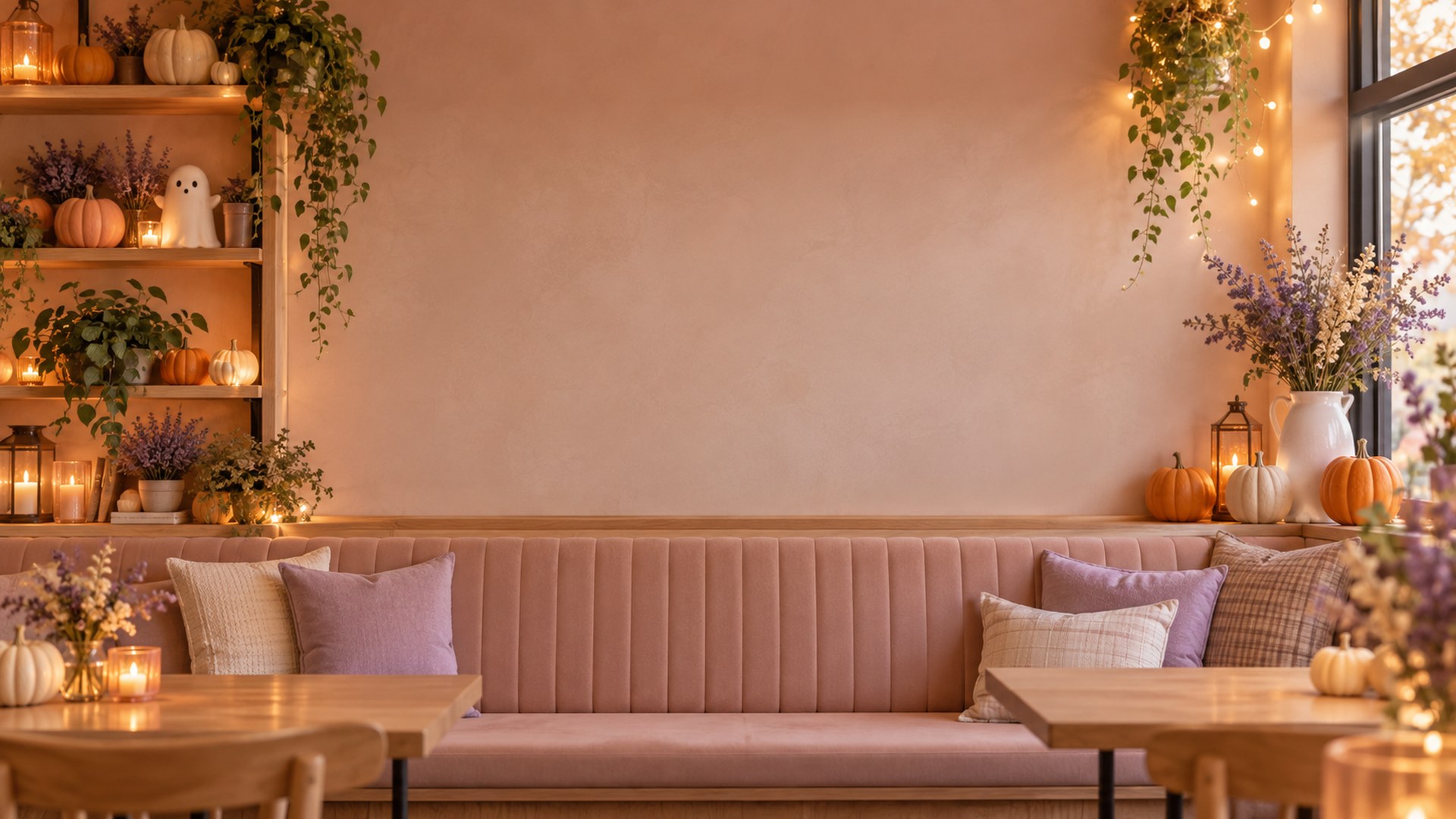

Pastel Ghost Living Room
Download HD JPG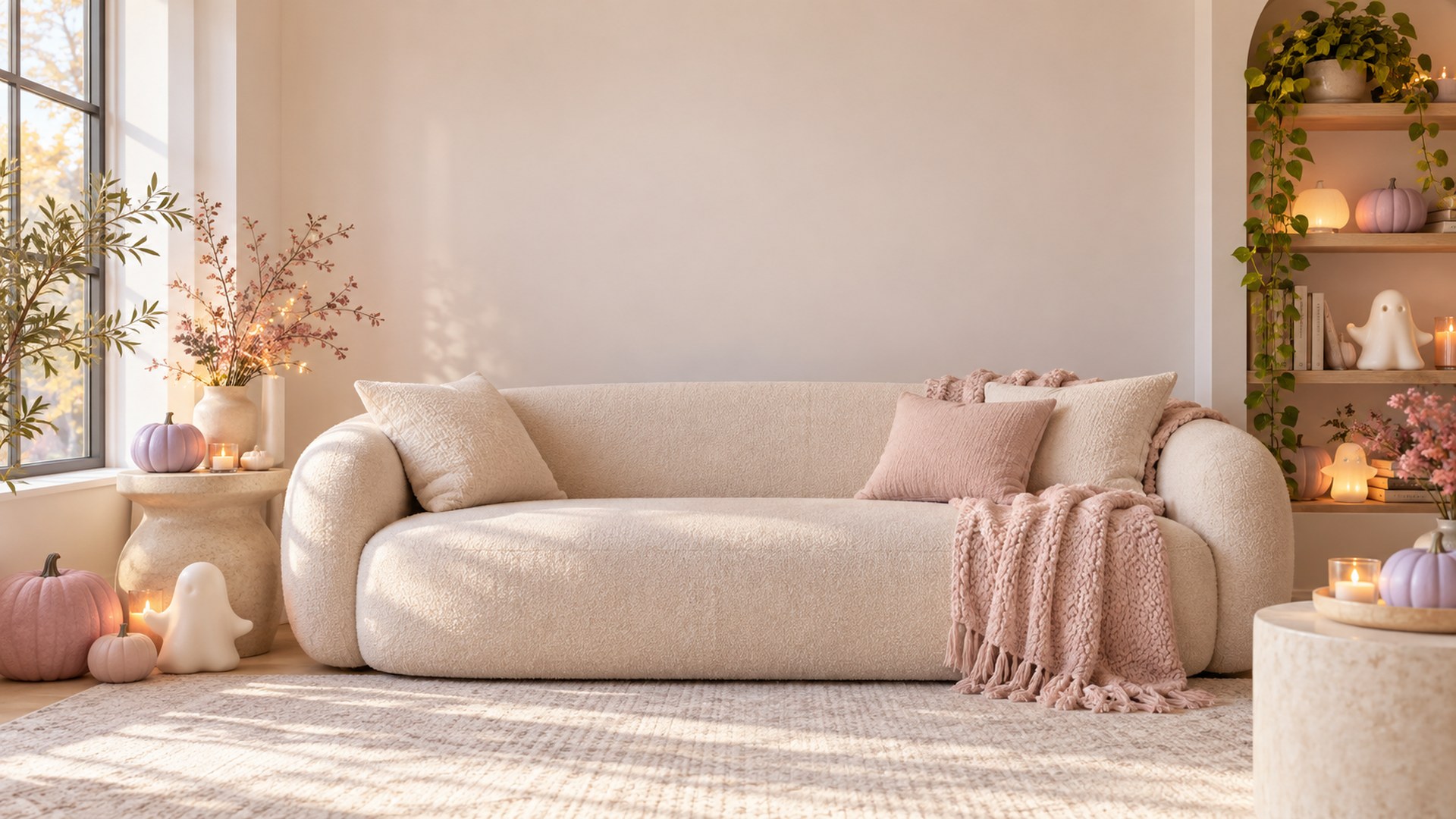
Candy Pumpkin Studio
Download HD JPG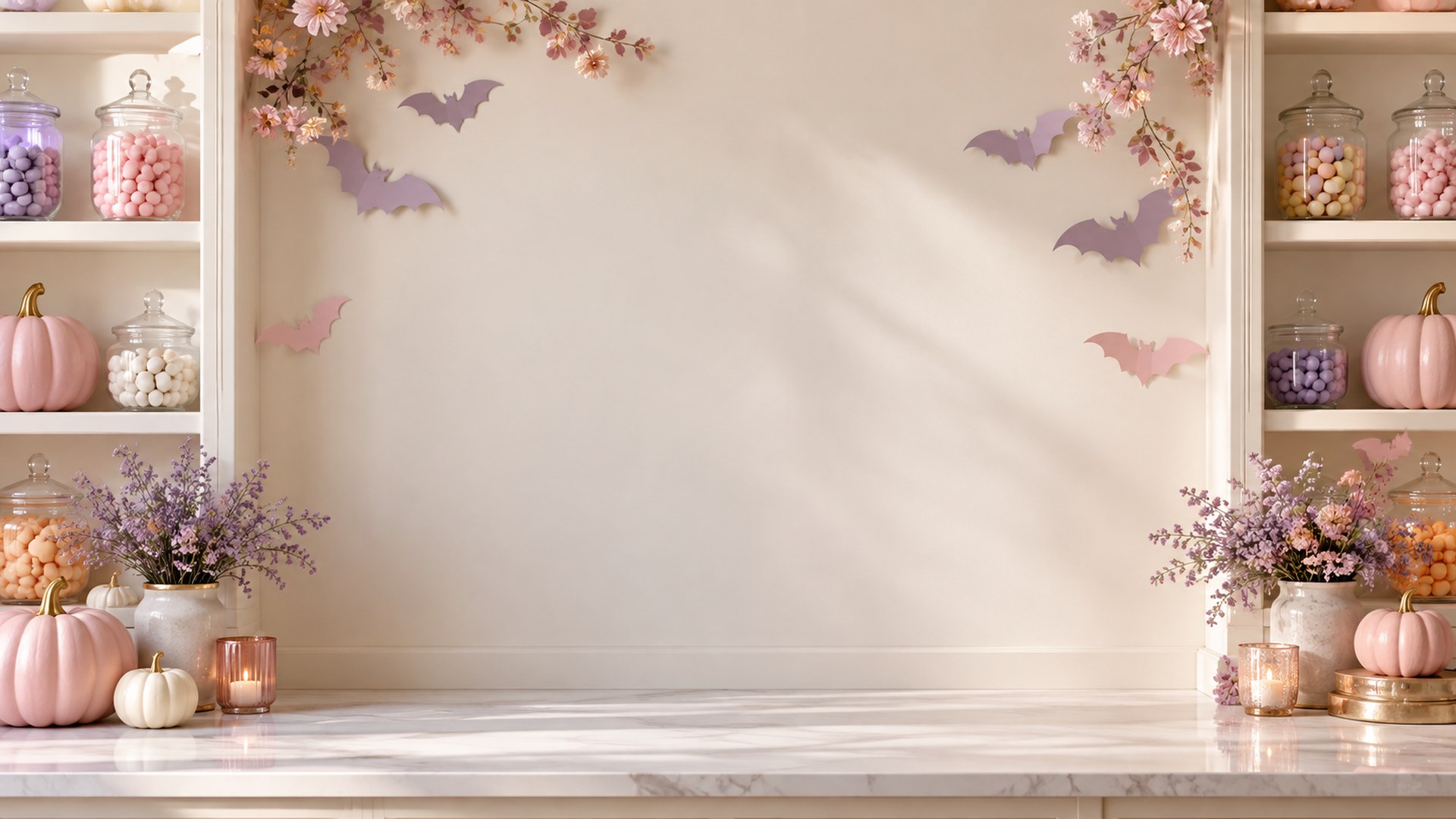
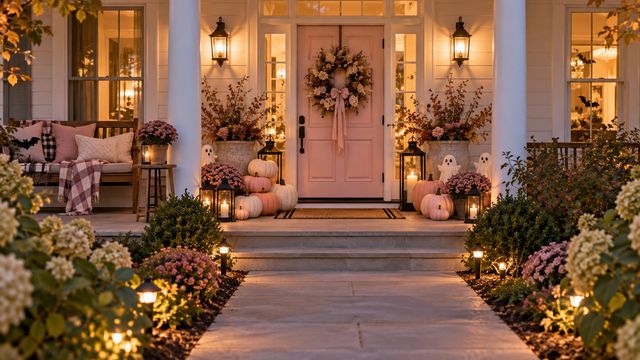
Pumpkin Front Porch
Download HD JPG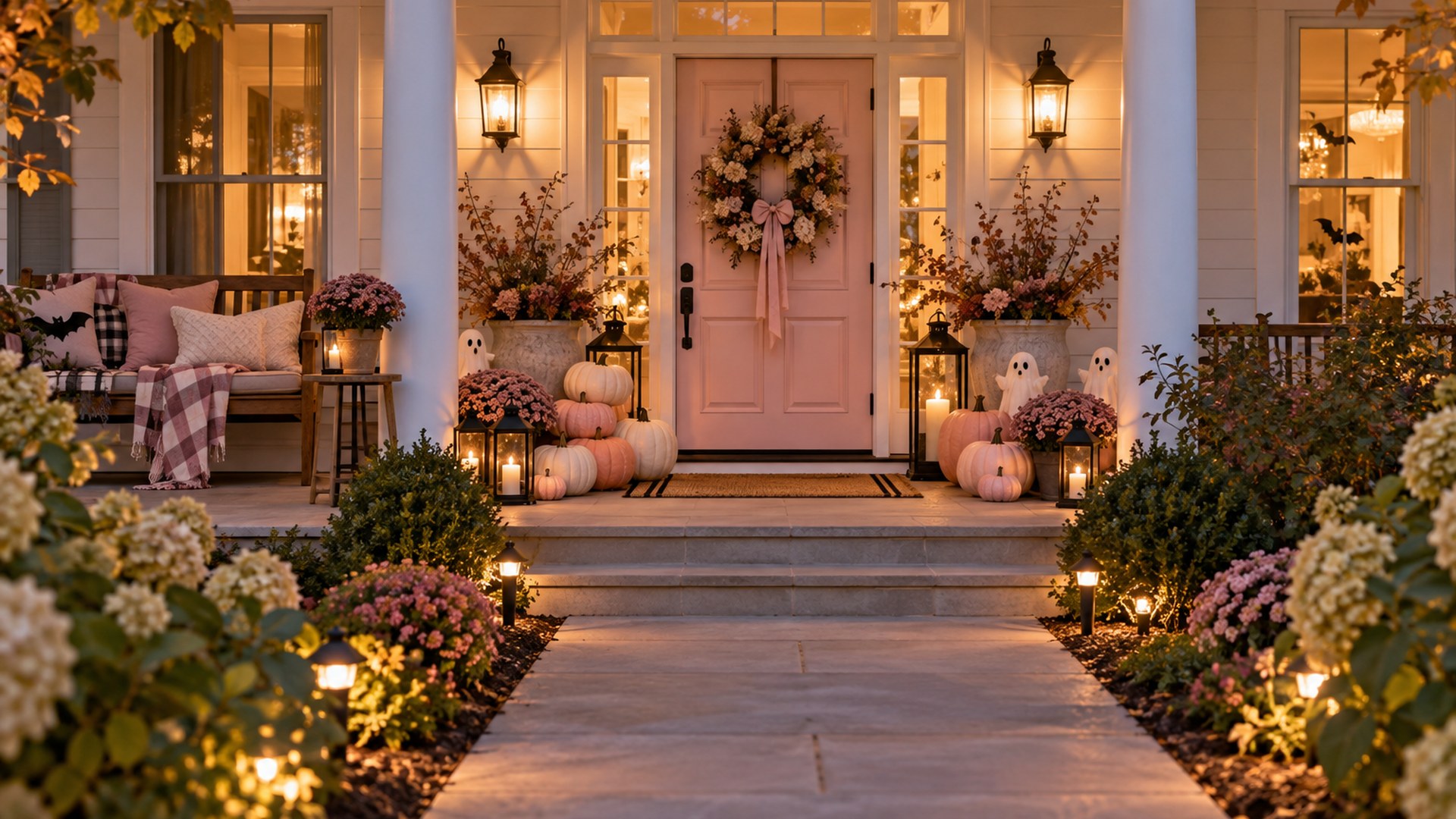

Ghost Book Nook
Download HD JPG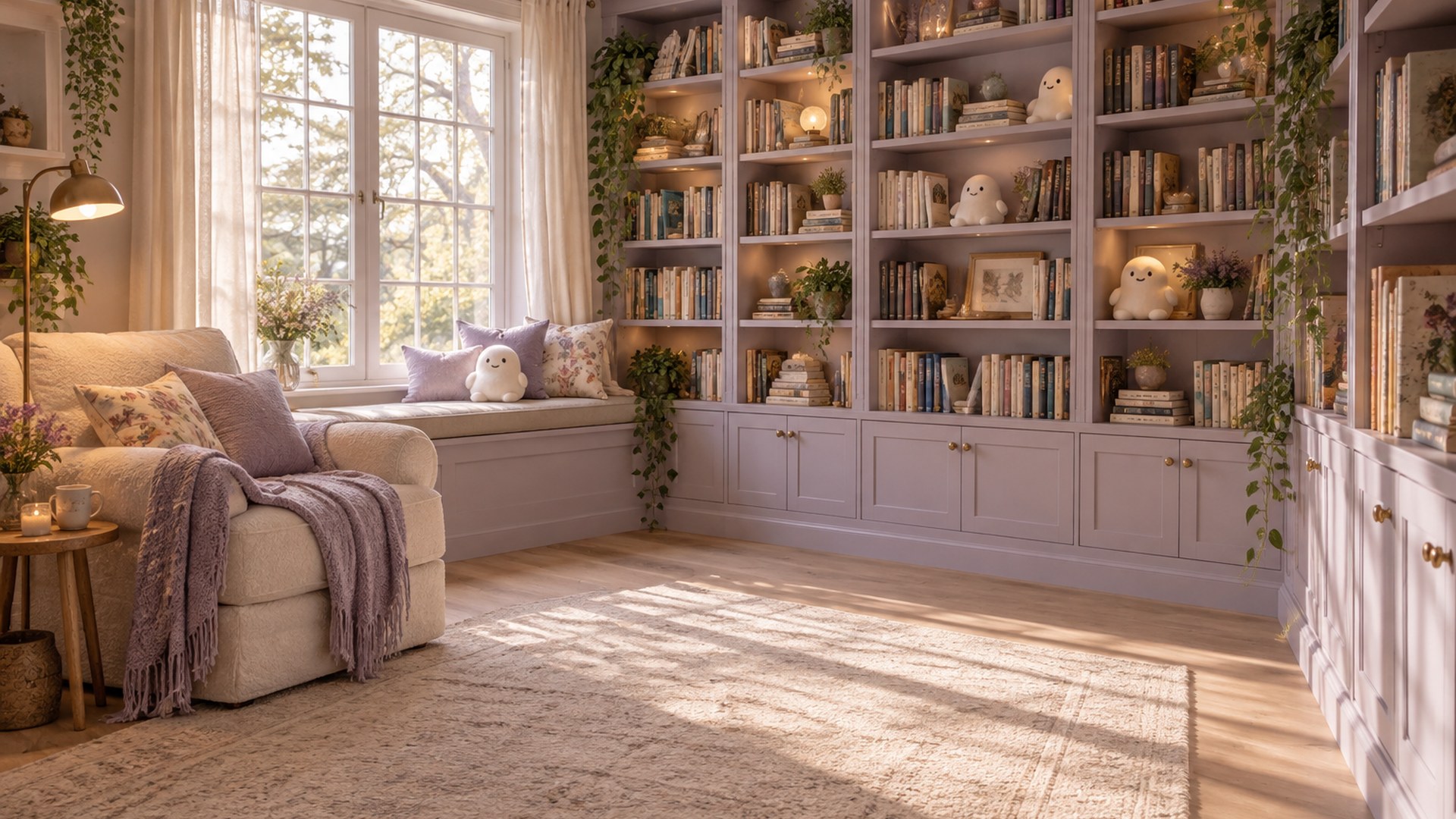
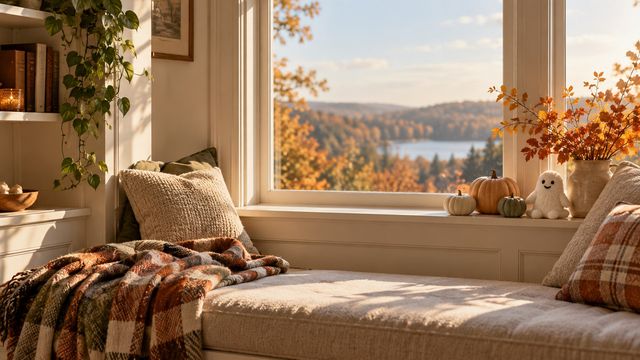
Cozy Pumpkin Window
Download HD JPG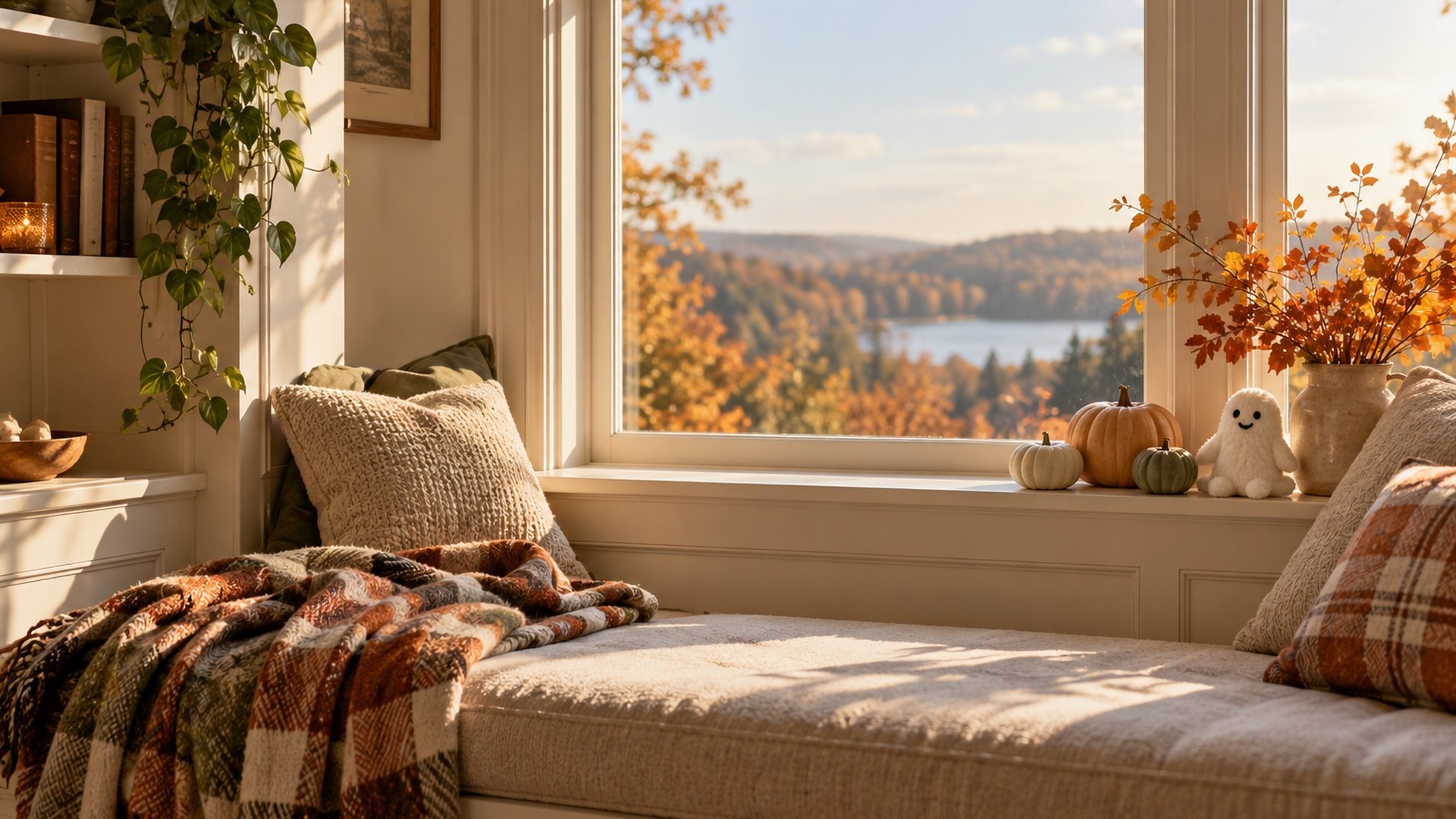
Use it in Microsoft Teams
STEP 1
Download
Save the full-size JPG to your computer.
STEP 2
Open effects
Before joining a call, choose Video effects and settings.
STEP 3
Add new
Upload the JPG and select it as your background.
More Halloween collections
Questions
Can I use these backgrounds at work?
Yes. The designs avoid gore and keep the middle of the frame quiet for professional video calls.
Do I need an account?
No. Each button downloads the original JPG directly.
Will Teams crop the image?
Teams may trim a small edge depending on your camera frame. Every design keeps important details away from the center and outer edge.
More backgrounds are already in the library
Browse all 40 Halloween designs from the MeetBG home page.